Rolling Slots Mobile Experience: Full Access on iOS and Android
Rolling Slots does not offer a dedicated native app for iOS or Android. Instead, it relies on a fully browser-based mobile platform that loads directly in Safari, Chrome, or any standard mobile browser. This approach means no download, no storage hit, and no update prompts — but it also means the experience depends entirely on your connection and browser performance.
Supported Platforms and Browser Performance
The mobile site works on both iPhone and Android devices. During testing on a standard 4G connection (Sydney metro), the lobby loaded in roughly four seconds. Game tiles rendered progressively, and tapping a title launched gameplay within another three to five seconds. On Wi-Fi, load times dropped to about two seconds for the lobby and under three seconds for most pokies. Live dealer tables took slightly longer — expect six to eight seconds on 4G — due to the video stream.
The casino also offers a Progressive Web App (PWA) option. From the site menu, you can select "Install App" to add a shortcut to your home screen. This gives a near-native feel — full-screen mode, faster re-launch times, and offline access to account settings — but it still runs through the browser engine. The PWA does not change game performance or availability.
Game Availability on Mobile vs Desktop
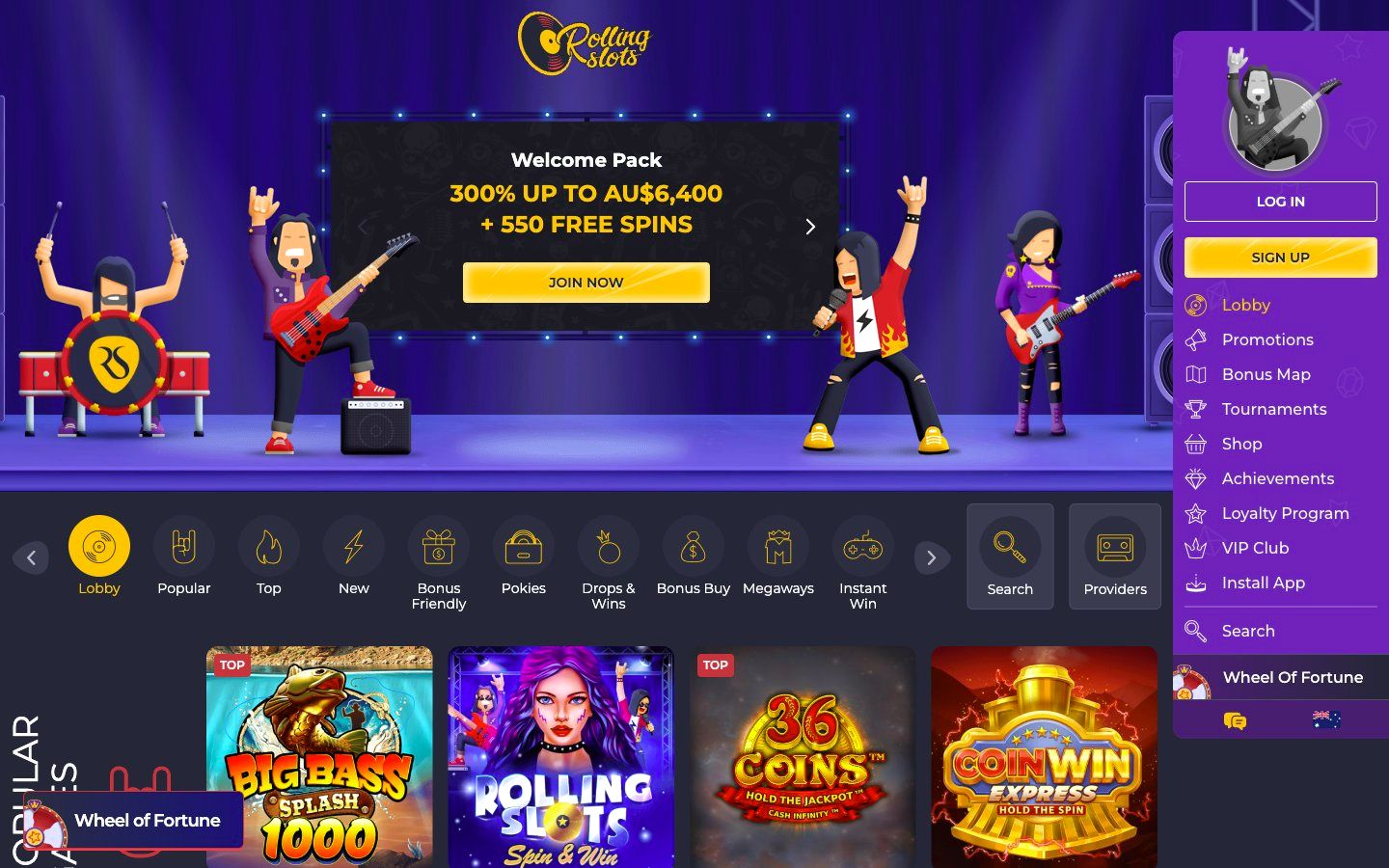
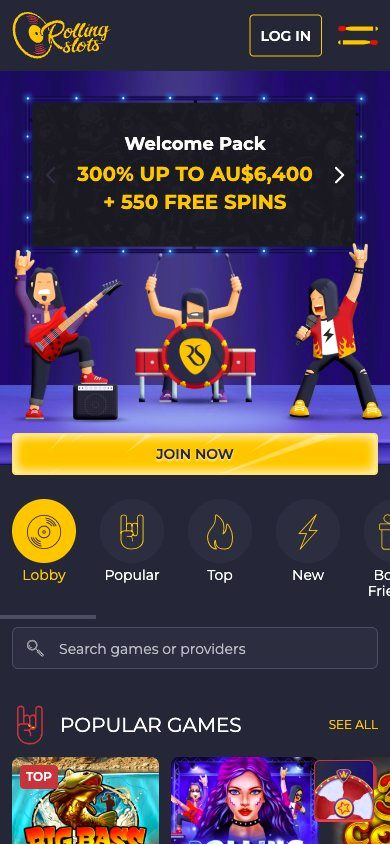
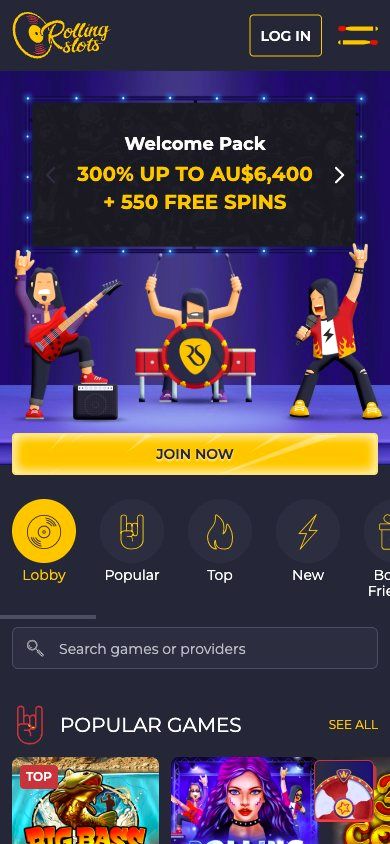
The full game catalogue is accessible on mobile. That includes pokies from Pragmatic Play, BGaming, Playtech, and Yggdrasil, plus live dealer tables, specialty games, and the Bonus Shop. No titles are hidden or desktop-only. However, the mobile lobby uses a slightly different layout: categories are presented in a horizontal scrollable strip at the top, rather than the sidebar menu used on desktop. This works well for one-handed browsing but means you cannot see all categories at once without scrolling.
Game filters on mobile are functional but less granular than on desktop. On desktop, you can filter by provider, volatility, or feature type. On mobile, the primary filters are by category (Pokies, Live Casino, Jackpots, etc.) and a search bar. The search bar is effective — it returns results as you type — but if you rely on provider-specific browsing, you will find the desktop interface more efficient.
Data Usage Considerations
Data consumption on Rolling Slots mobile depends on game type. Standard pokies use roughly 5–10 MB per 15-minute session. Live dealer games, because of the video stream, consume significantly more — around 50–80 MB per 30 minutes. If you are on a capped mobile plan, stick to pokies or use Wi-Fi for extended live casino sessions. The PWA does not cache game data, so it offers no data-saving benefit over the standard browser experience.
Mobile vs Desktop: Key Differences
| Feature | Mobile Browser | Desktop Browser |
|---|
| Navigation | Top horizontal scrollable menu | Left sidebar with full category list |
| Game filters | Category tabs + search bar | Category, provider, volatility, and feature filters |
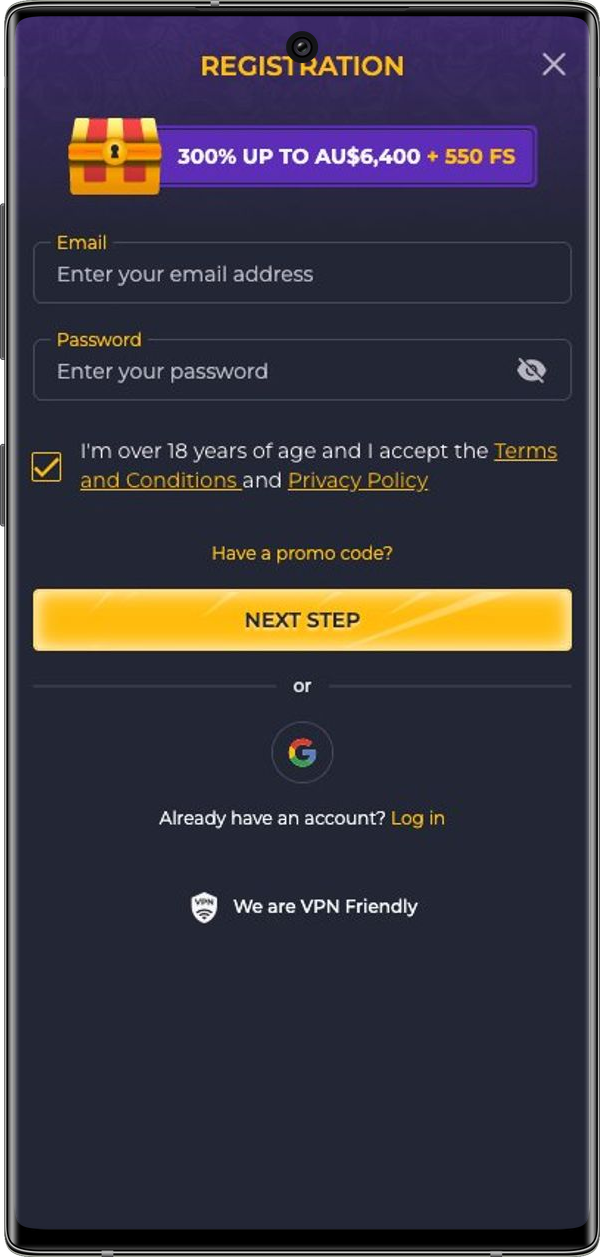
| Payment access | Deposits via account menu; withdrawals after KYC | Same flow, but with larger form fields and easier document upload |
| Live chat | Floating widget, tap to open | Floating widget, click to open |
| Loyalty program tracker | Accessible via account menu | Visible in sidebar with XP progress bar |
| Account settings | Full access, responsive layout | Full access, fixed-width layout |
| PWA installation | Available via site menu | Not applicable |
For most players, the mobile experience is solid. The browser-based approach keeps things simple: no app store approvals, no version conflicts, and no storage concerns. If you prefer desktop-level filtering or need to upload KYC documents, you will find the larger screen more comfortable — but for quick sessions, deposits, and checking promotions, the mobile site handles everything you need.